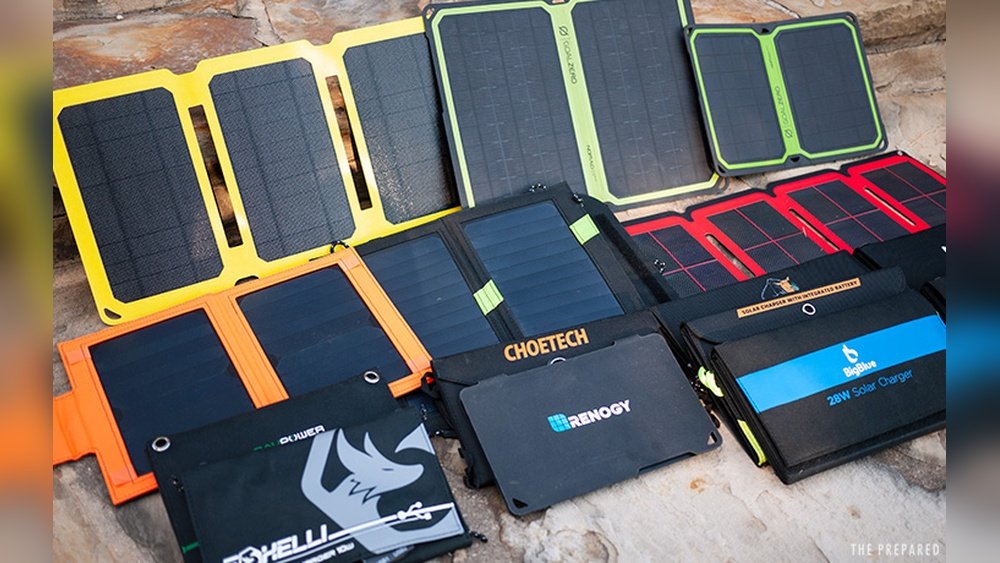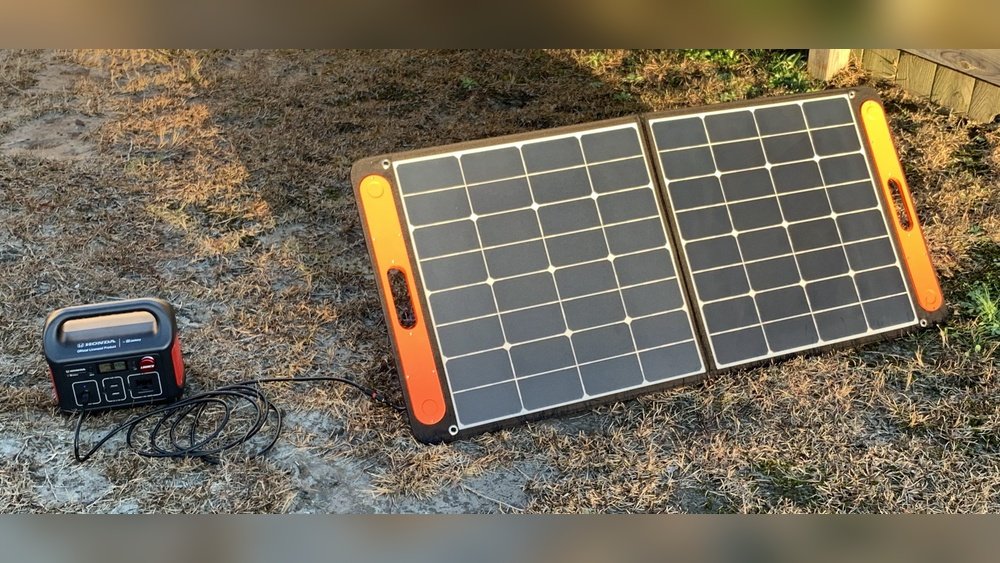
Are you frustrated because your portable solar panel isn’t charging your power station? You’re not alone.
Many people rely on solar panels to keep their devices powered, but when the connection fails, it’s confusing and stressful. What if you’re missing a simple fix that could get your setup working again? You’ll discover easy steps and smart tips to troubleshoot your portable solar panel and power station.
Keep reading, and you’ll soon have the power flowing like it should.
Common Causes
Portable solar panels sometimes do not charge power stations. Several common causes can stop the charging process. Understanding these issues helps fix the problem quickly. This section explains the main reasons for no charging.
Connection Issues
Loose or damaged cables can stop the power flow. Check all connections between the panel and power station. Dirt or corrosion on the ports can block the charge. Secure and clean all plugs for a strong link.
Panel Orientation
Solar panels need direct sunlight to work well. Poor angle or shade can reduce energy capture. Adjust the panel to face the sun directly. Change the position during the day for best results.
Power Station Compatibility
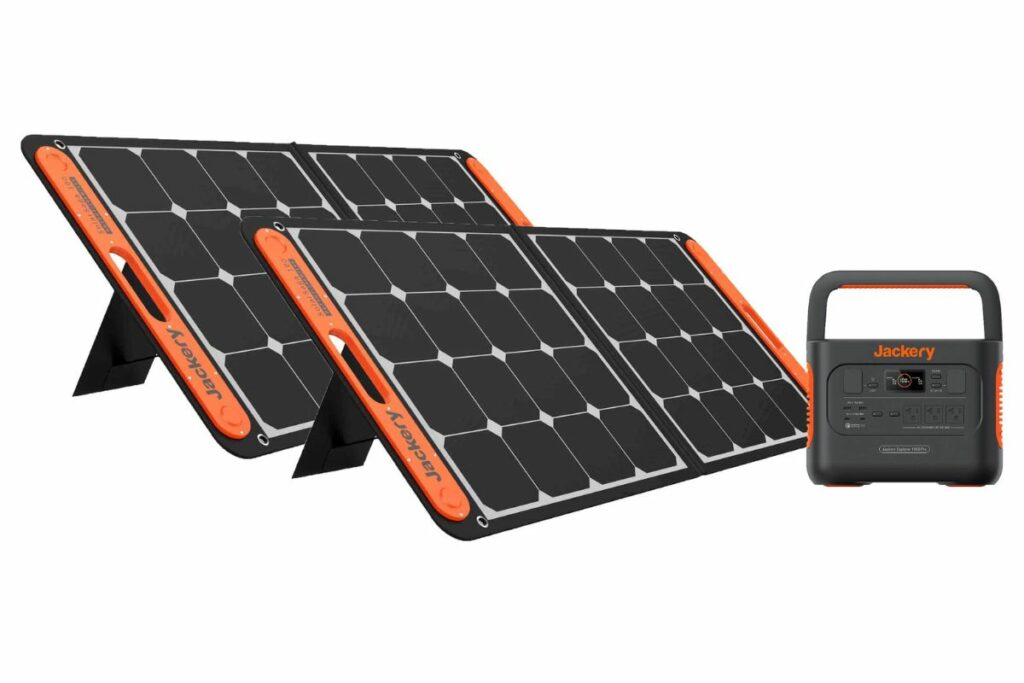
Some power stations do not match all solar panels. Voltage or connector types might differ. Check if the panel and power station support each other. Use adapters or compatible devices to ensure charging.
Weather Conditions
Cloudy or rainy days reduce solar panel output. Low sunlight means less energy for charging. Extreme cold or heat can also affect performance. Wait for better weather or use a backup charger.
Check Connections
Check connections first if your portable solar panel is not charging the power station. Loose or dirty connections can stop electricity flow. Small problems here often cause big charging issues. Take time to check cables, plugs, and connectors carefully.
Inspect Cables And Ports
Look closely at all cables and ports. Find cracks, cuts, or damage on cables. Check for bent or broken pins inside ports. Damaged cables or ports stop charging. Replace or fix any faulty parts to restore power flow.
Secure Plug Fits
Ensure plugs fit tightly in ports. A loose plug breaks the connection. Push each plug firmly but gently. You should feel it click or hold steady. Loose plugs cause intermittent charging or no charge at all.
Clean Connectors
Dirt and dust block electricity between connectors. Wipe plugs and ports with a dry cloth. Use a small brush for hard-to-reach spots. Clean connectors improve power transfer and help charging work better.
Optimize Panel Placement
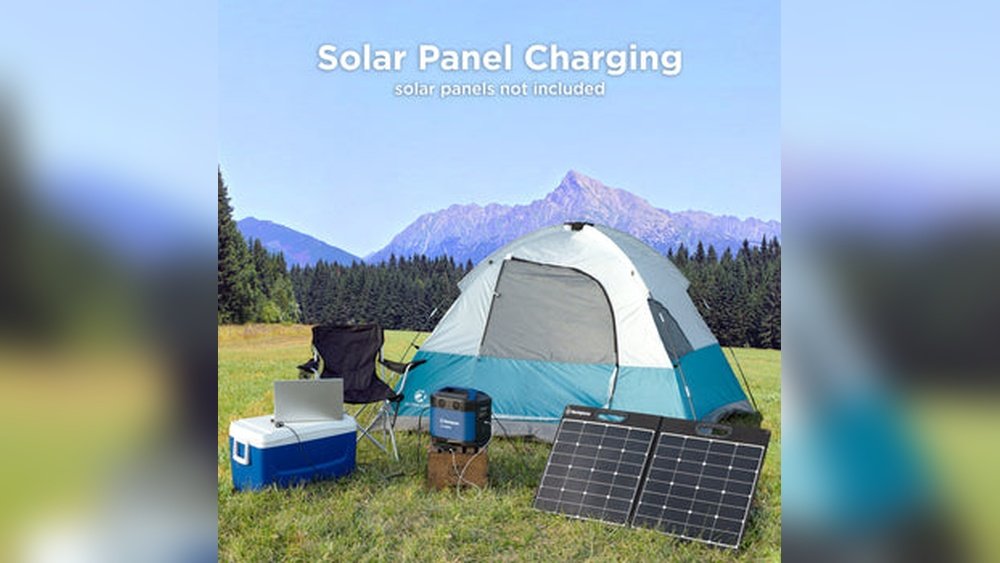
Optimizing the placement of your portable solar panel is key to charging your power station efficiently. Proper placement ensures the panel receives the maximum sunlight, which improves energy absorption. Small changes in position can make a big difference in charging speed.
Find Direct Sunlight
Place your solar panel where the sun shines directly on it. Avoid spots with diffused or weak sunlight. Direct sunlight provides the strongest energy source for your panel. Check the location throughout the day to ensure sunlight stays consistent.
Adjust Angle And Tilt
Set your solar panel at the right angle to face the sun. The angle depends on your location and the season. Adjust the tilt to match the sun’s position in the sky. Correct angles help capture more sunlight and increase power output.
Avoid Shadows
Keep the panel away from shadows caused by trees, buildings, or objects. Shadows block sunlight and reduce charging efficiency. Even small shadows can cause big drops in power. Move the panel if shadows appear during the day.
Credit: stahlfabrik.com.br
Verify Power Station Settings
Checking your power station settings is important when your portable solar panel does not charge it. Simple settings can stop charging. Knowing what to check saves time and effort. It helps you fix small issues fast.
Check Input Voltage
Look at the input voltage on your power station. It must match the solar panel output voltage. Wrong voltage stops charging. Use the power station screen or manual to find the right range. Adjust the panel or connections to fit the voltage needed.
Enable Charging Mode
Some power stations need a charging mode turned on. This mode lets the device accept power from solar panels. Check the settings menu or buttons. Turn on charging mode if it is off. Without this, the power station will not charge.
Review Battery Status
Battery status affects charging. If the battery is full, charging may stop automatically. If the battery is damaged or faulty, it may not charge at all. Check battery health and level on the display. Replace or service the battery if needed for proper charging.
Test With Alternative Equipment
Testing with alternative equipment helps find the problem in charging issues. It checks if the fault lies in the solar panel or power station. Using different tools can save time and money. It shows which part needs fixing or replacing.
Try Different Solar Panels
Use another solar panel to test your power station. If the new panel charges the station, the old panel may be faulty. Check the connections and cables of the original panel. Sometimes, dirt or damage stops charging. Testing with a different panel isolates the problem quickly.
Use Another Power Station
Connect your solar panel to a different power station. If the panel charges the new station, the original power station might be broken. This test helps find out if the power station needs repair. Try this step to avoid replacing both devices unnecessarily.
Employ A Multimeter
Use a multimeter to check the solar panel’s voltage output. This tool shows if the panel produces electricity. Measure the voltage at the panel’s output terminals in sunlight. A low or zero reading means the panel may be defective. Testing with a multimeter gives precise information about the panel’s health.
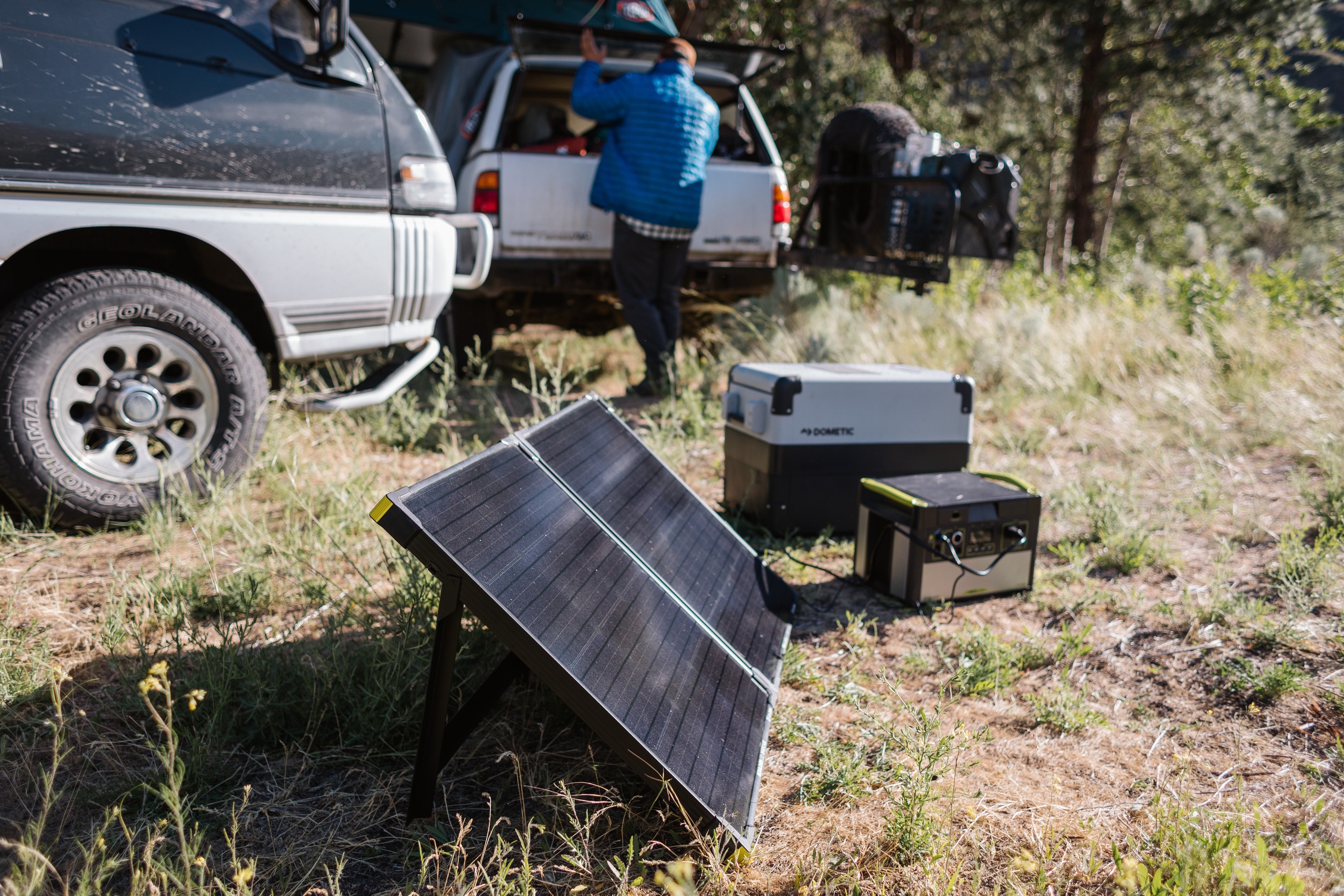
Credit: www.rei.com
Maintenance Tips
Proper maintenance helps your portable solar panel work well. It keeps the power station charging without problems. Simple steps can extend the life of your solar gear. Regular care avoids common issues and saves money.
Clean Solar Panel Surface
Dust and dirt block sunlight from reaching the panel. Clean the surface gently with a soft cloth and water. Avoid harsh chemicals that can damage the panel. Clean panels absorb more sunlight and charge faster.
Store Equipment Properly
Keep your solar panel and power station in a dry place. Avoid areas with high heat or cold. Use protective cases to prevent scratches and damage. Proper storage protects your equipment during long breaks.
Perform Regular Inspections
Check all cables and connections often. Look for wear, tears, or loose plugs. Inspect the solar panel for cracks or spots. Fix small problems early to avoid bigger damage later.
When To Seek Professional Help
Knowing when to seek professional help for a portable solar panel not charging a power station can save time and money. Some problems need expert skills to fix. This section explains key signs that show it is time to call a professional.
Persistent Charging Issues
Sometimes, the power station does not charge despite all efforts. Checking cables, connections, and sunlight is important. If the problem stays after these checks, it shows a deeper issue. Persistent charging problems need a technician’s attention to avoid damage.
Electrical Component Damage
Solar panels and power stations have delicate parts. Exposure to moisture, heat, or physical impact can harm these parts. Signs include unusual sounds, smells, or visible burns. Professionals can test and repair electrical damage safely and correctly.
Warranty And Support
Many solar panels and power stations come with a warranty. Using professional services helps keep the warranty valid. Experts often offer support and repairs covered by the warranty. This saves money and ensures the product works well for a long time.

Credit: www.scuolatorredibabele.it
Frequently Asked Questions
Why Is My Portable Solar Panel Not Charging Power Station?
Your solar panel might be misaligned with the sun or shaded. Check all cable connections and ensure compatibility between devices. Inspect for dirt or damage on the panel surface that can reduce charging efficiency.
How Do I Fix A Portable Solar Panel Not Charging?
Start by cleaning the solar panel and repositioning it for maximum sun exposure. Verify all connectors are secure. Use a multimeter to test voltage output. Replace faulty cables or adapters if needed.
Can Weather Affect Portable Solar Panel Charging?
Yes, cloudy or rainy weather significantly reduces solar panel output. Solar panels need direct sunlight to generate optimal power. Charging times may extend or stop during poor weather conditions.
What Is The Best Way To Connect Solar Panels To Power Stations?
Use the recommended cables and connectors provided by the manufacturer. Ensure the voltage and current ratings match your power station’s input requirements. Avoid loose connections to maintain stable charging.
Conclusion
Portable solar panels may not charge power stations for several reasons. Check all connections and ensure sunlight is strong. Clean the solar panel surface for better energy capture. Match the panel’s output with the power station’s input needs. Keep cables and ports free from dust and damage.
Testing different setups helps find the problem quickly. Small fixes often restore charging ability. Stay patient and methodical for best results. Solar power works well when everything fits together right.